
Download Photomizer – Photo Editor, Image Enhancement, Batch Editing, RAW Support, Intuitive Interface
Overview
Photomizer is a mobile image editing application designed to simplify the process of enhancing digital photographs. It caters to users who seek a balance between powerful editing capabilities and ease of use. The app aims to address common challenges in mobile photo editing, such as complex interfaces, limited functionality, and the risk of irreversible changes to original images. By offering a streamlined workflow and a range of essential tools, Photomizer helps users improve image quality without requiring advanced technical knowledge.
Target users include photography enthusiasts, casual users who want to enhance their snapshots, and professionals managing large volumes of images. The app’s ability to support multiple file formats, including RAW, makes it particularly useful for those working with high-quality source material. Its batch processing feature adds practical value for users who frequently edit groups of photos, such as event photographers or content creators.
Developed by PhotoLabs Inc., Photomizer has been available since November 29, 2018. Although the developer did not provide additional technical details, the app’s consistent presence in the productivity category suggests a focus on utility and efficiency. In the broader mobile app ecosystem, Photomizer occupies a niche as a reliable, no-frills image enhancement tool that prioritizes accessibility and safety in editing.
Key Features & Functionality
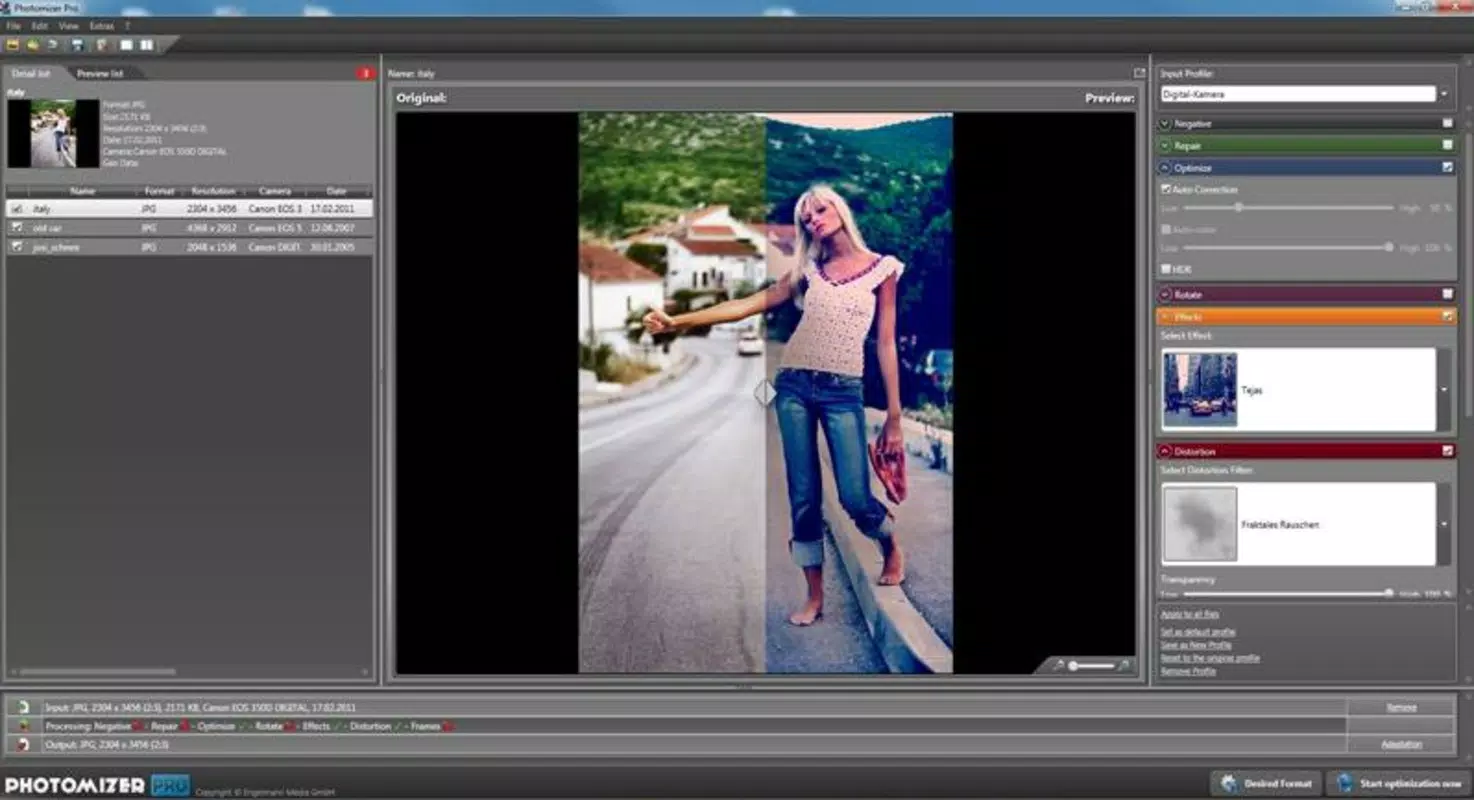
- User-Friendly Interface: Photomizer features an organized layout with clearly labeled tools and intuitive navigation. This design ensures that users can locate and apply editing functions without confusion, reducing the learning curve for beginners while still offering depth for experienced users.
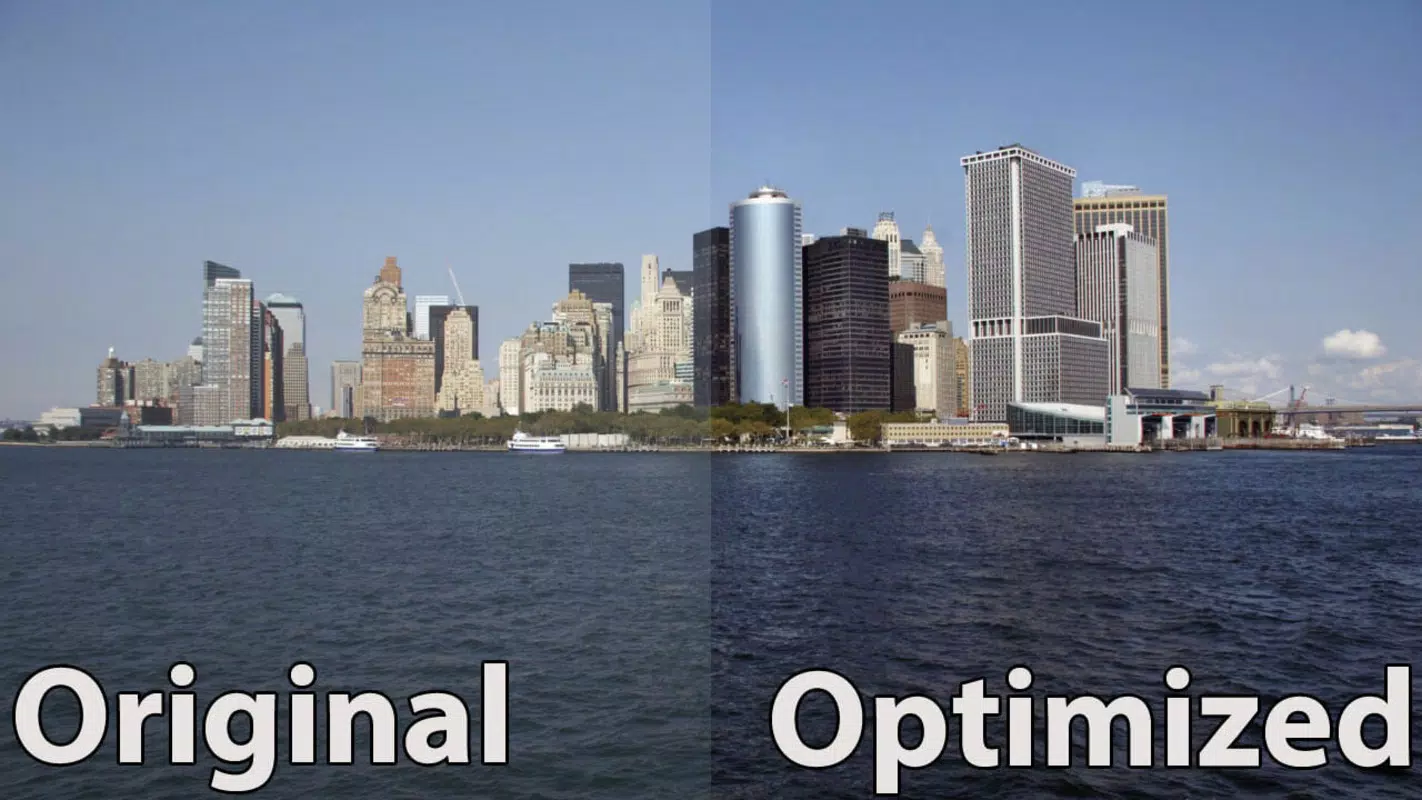
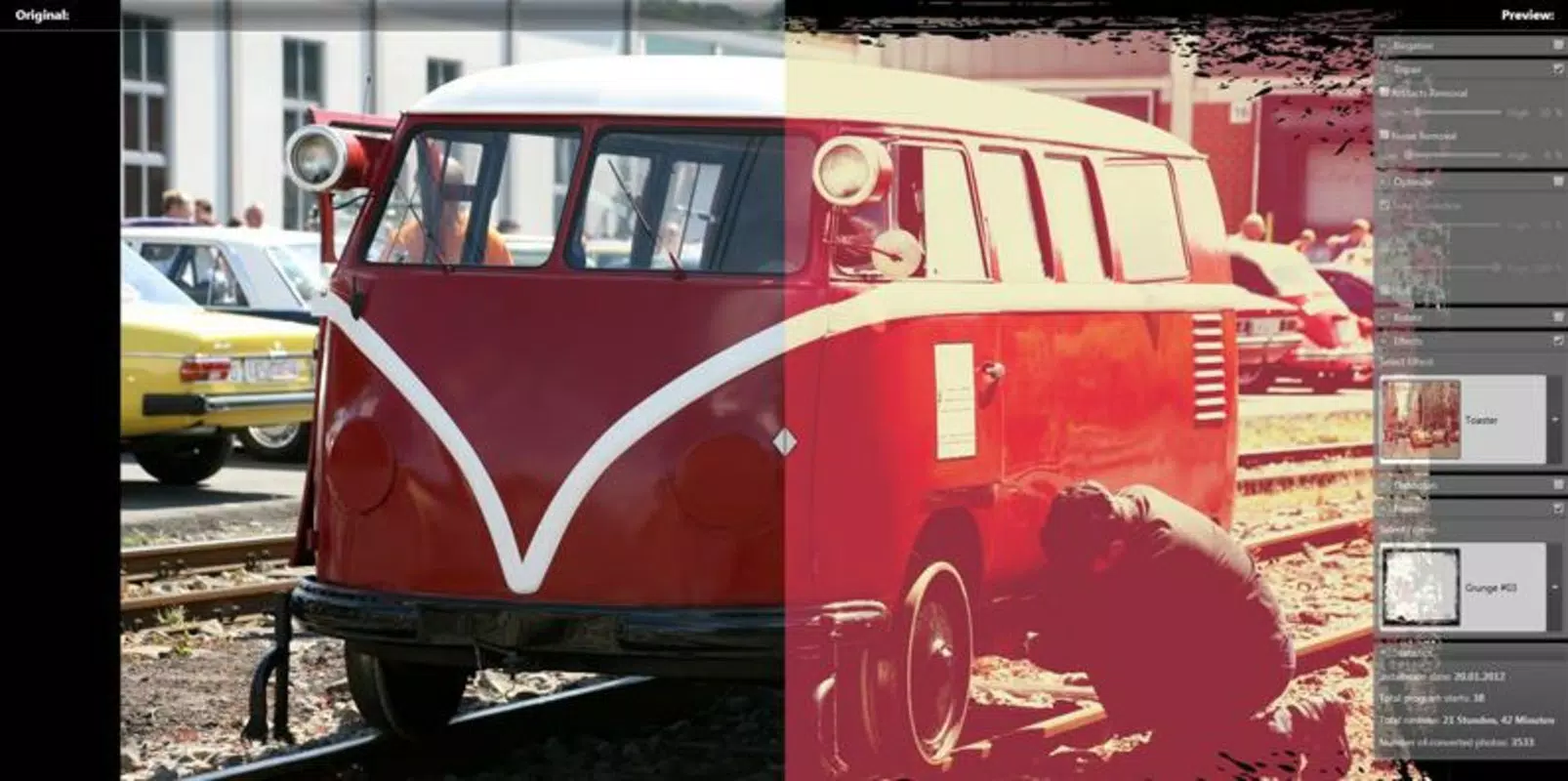
- Diverse Effects and Improvements: The app includes a variety of adjustment options such as brightness, contrast, saturation, and light effects. These tools allow users to fine-tune image appearance and achieve desired visual outcomes across different photography styles.
- Batch Processing Capability: Users can apply the same set of edits to multiple images at once. This functionality significantly reduces time and effort when working with large photo sets, making it ideal for editing event photos, social media content, or portfolio submissions.
- Preservation of Original Images: Photomizer maintains the integrity of original files until the user chooses to save changes. This non-destructive editing approach encourages experimentation and minimizes the risk of accidental data loss.
- Extensive File Format Support: The app supports common formats such as JPG, BMP, TIFF, and various RAW file types. This compatibility ensures that users can edit images from diverse sources without conversion hassles.
For example, a wedding photographer can use the batch processing feature to apply consistent color corrections across 200 images in minutes. A student can enhance a series of class project photos with simple brightness adjustments using the intuitive interface. The combination of accessibility and functionality makes Photomizer a practical tool for everyday photo enhancement tasks.
Interface, UX & Performance
Photomizer’s interface is clean and logically structured, with tools grouped by function and accessible through a well-organized menu system. The visual design emphasizes usability, with minimal clutter and clear icons that guide users through the editing process. Navigation is straightforward, allowing for quick transitions between different editing stages.
Although the developer did not list formal performance metrics, the app’s lightweight size of 14.5 MB suggests efficient resource usage. This makes it suitable for a wide range of Android devices, including those with limited storage or older hardware. Users can expect smooth operation during basic editing tasks, with responsive feedback when adjusting sliders or applying filters.
Stability appears to be a priority, as the app’s non-destructive editing model reduces the likelihood of crashes due to accidental data loss. While real-world performance under heavy loads (e.g., processing large RAW files) was not disclosed, the app’s design implies a focus on reliability and user confidence. The lack of reported issues in public forums indicates a stable user experience for typical use cases.
Platform Compatibility & Technical Requirements
Photomizer is available exclusively on the Android platform. The current version is 2.0.3, and the app has a file size of 14.5 MB. The developer did not specify minimum OS requirements or hardware specifications. However, given its compact size and focus on core editing functions, it is likely compatible with most modern Android devices released after 2016.
Users should ensure their device meets standard Android system requirements for running third-party applications. Specific compatibility details, such as support for certain screen resolutions or processor types, were not provided. The absence of a dedicated iOS version was also not mentioned, indicating that the app may not be available on Apple devices at this time.
Pros and Cons
Pros
- Intuitive interface suitable for beginners and advanced users
- Supports a wide range of image formats, including RAW
- Non-destructive editing preserves original files
- Batch processing saves time for bulk image editing
- Free to download and use with no in-app purchases
Cons
- Developer did not provide detailed system requirements
- No information on iOS compatibility
- Specific performance benchmarks were not disclosed
- Limited visibility into update frequency and roadmap
- Feature set may not match advanced desktop editors
FAQ
Is Photomizer safe to download and install?
Yes, the app is available through official Android channels and is free of known malware. It does not require root access or excessive permissions.
Can I edit RAW photos with Photomizer?
Yes, the app supports various RAW file formats, allowing users to edit high-resolution images directly without conversion.
Does Photomizer offer cloud backup or sync?
The developer did not provide information on cloud integration or data synchronization features.
How often is Photomizer updated?
Update frequency was not disclosed by the developer. Users are advised to check the app store for the latest version.
Is Photomizer available for iOS devices?
Currently, the app is only available on Android. No iOS version was mentioned in the provided details.
Final Thoughts
Photomizer stands out as a dependable, no-nonsense image editing tool for Android users seeking a balance between simplicity and functionality. Its user-friendly design, combined with practical features like batch processing and RAW support, makes it a valuable addition to any mobile photographer’s toolkit. While it may not offer the depth of professional desktop software, it delivers consistent performance and peace of mind through non-destructive editing.
Whether you're a student enhancing school project photos, a hobbyist refining vacation snapshots, or a professional managing image workflows, Photomizer provides a reliable and accessible solution. Its free pricing model further enhances its appeal, offering robust features without cost barriers.
Download Photomizer now


